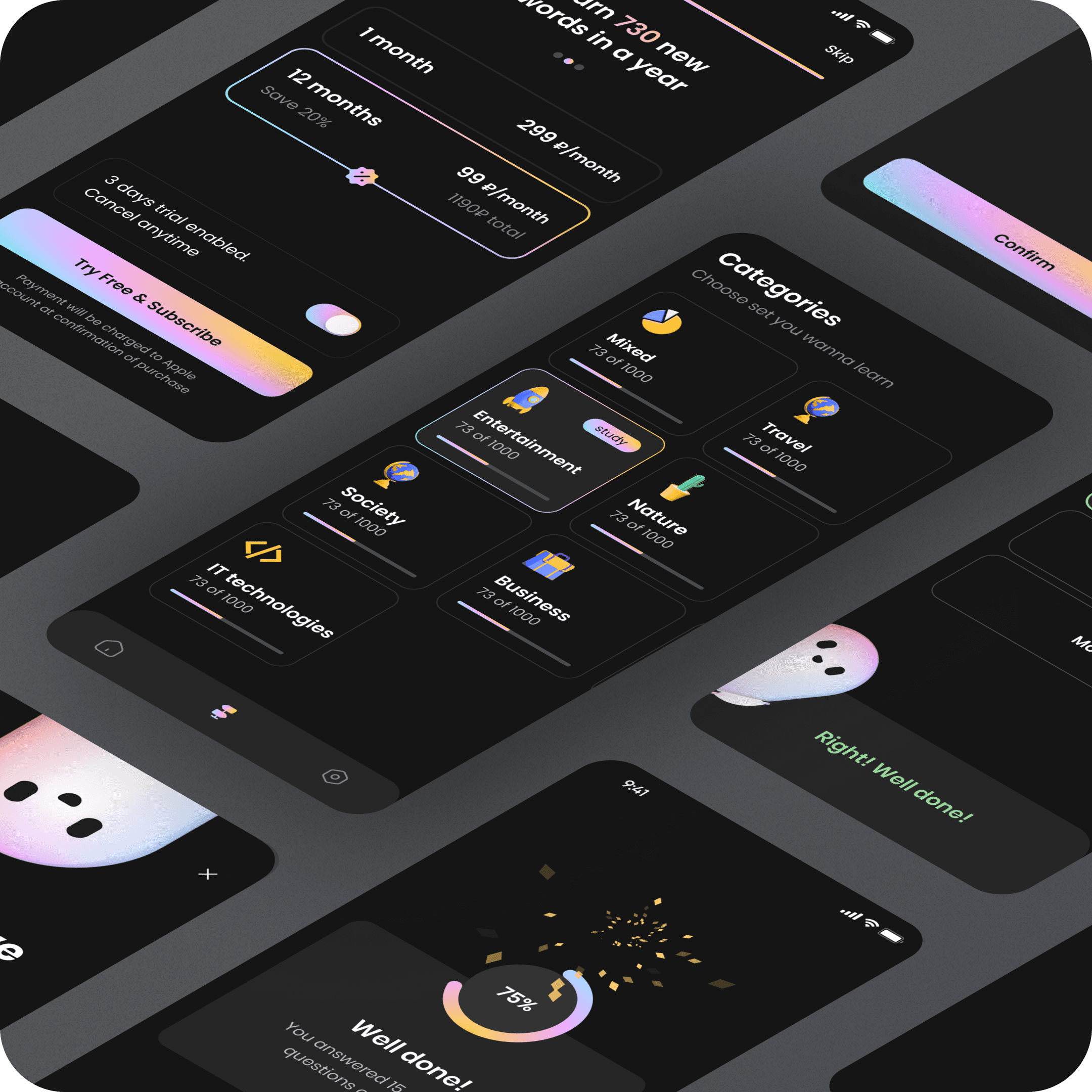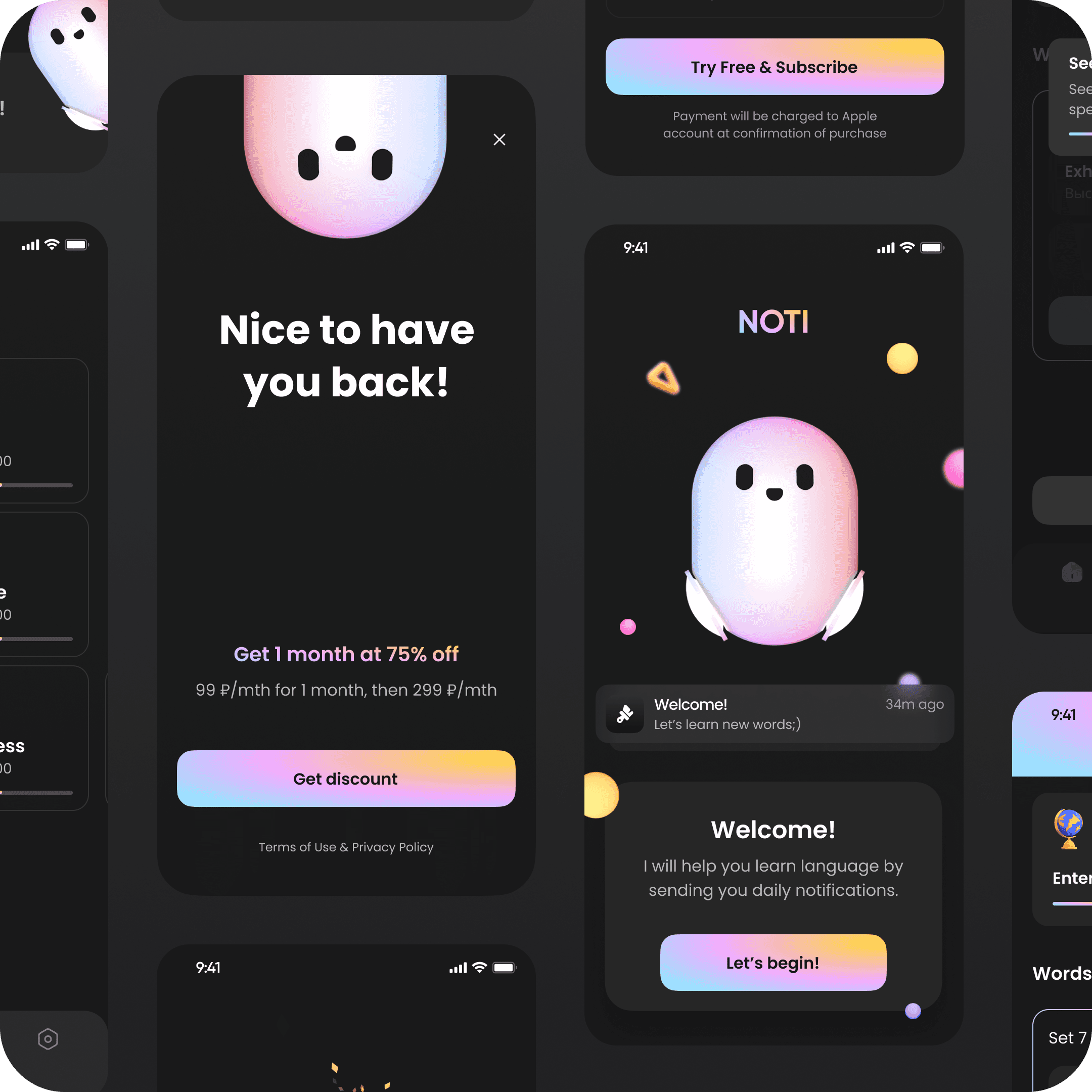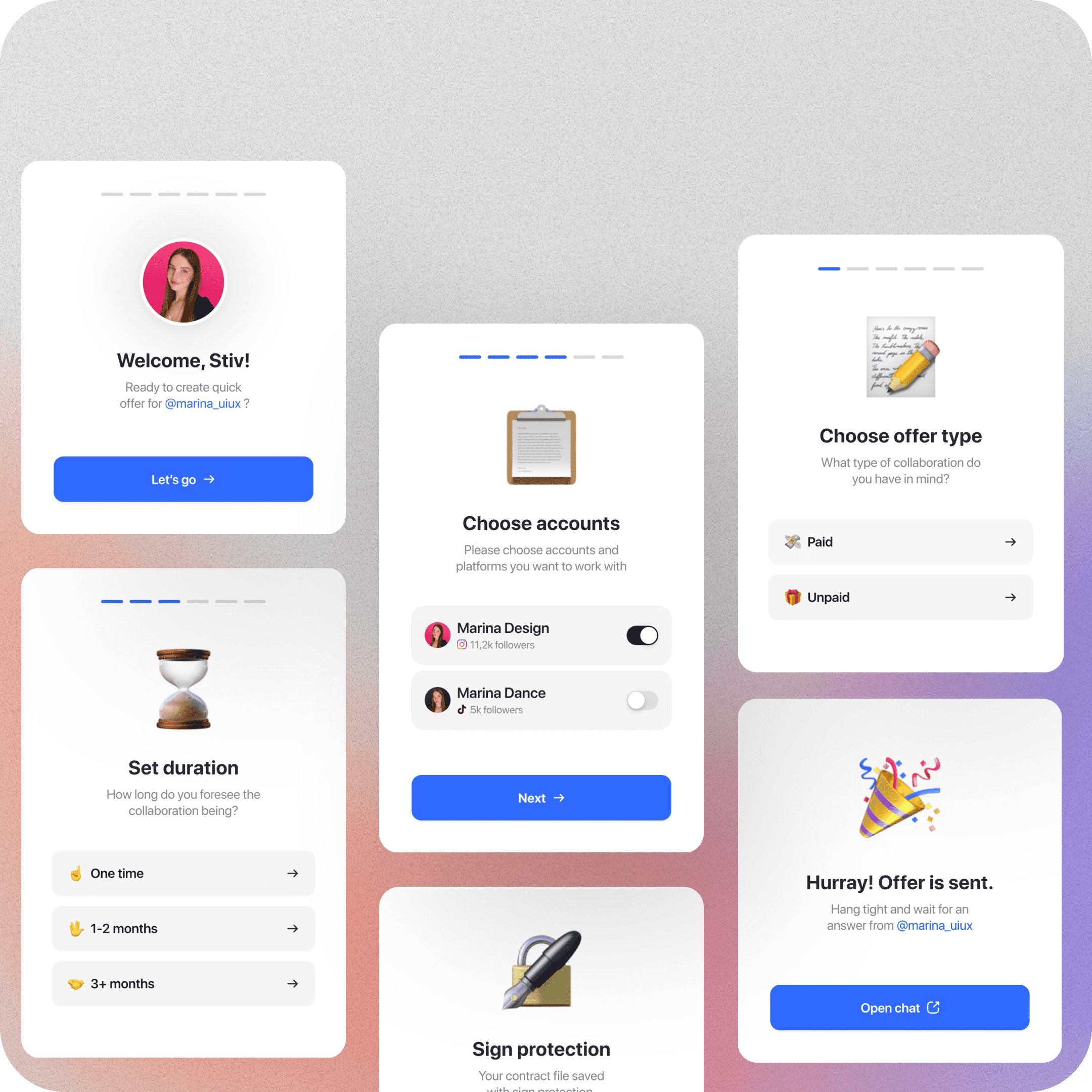


Be seen on all Social Media platforms 💎
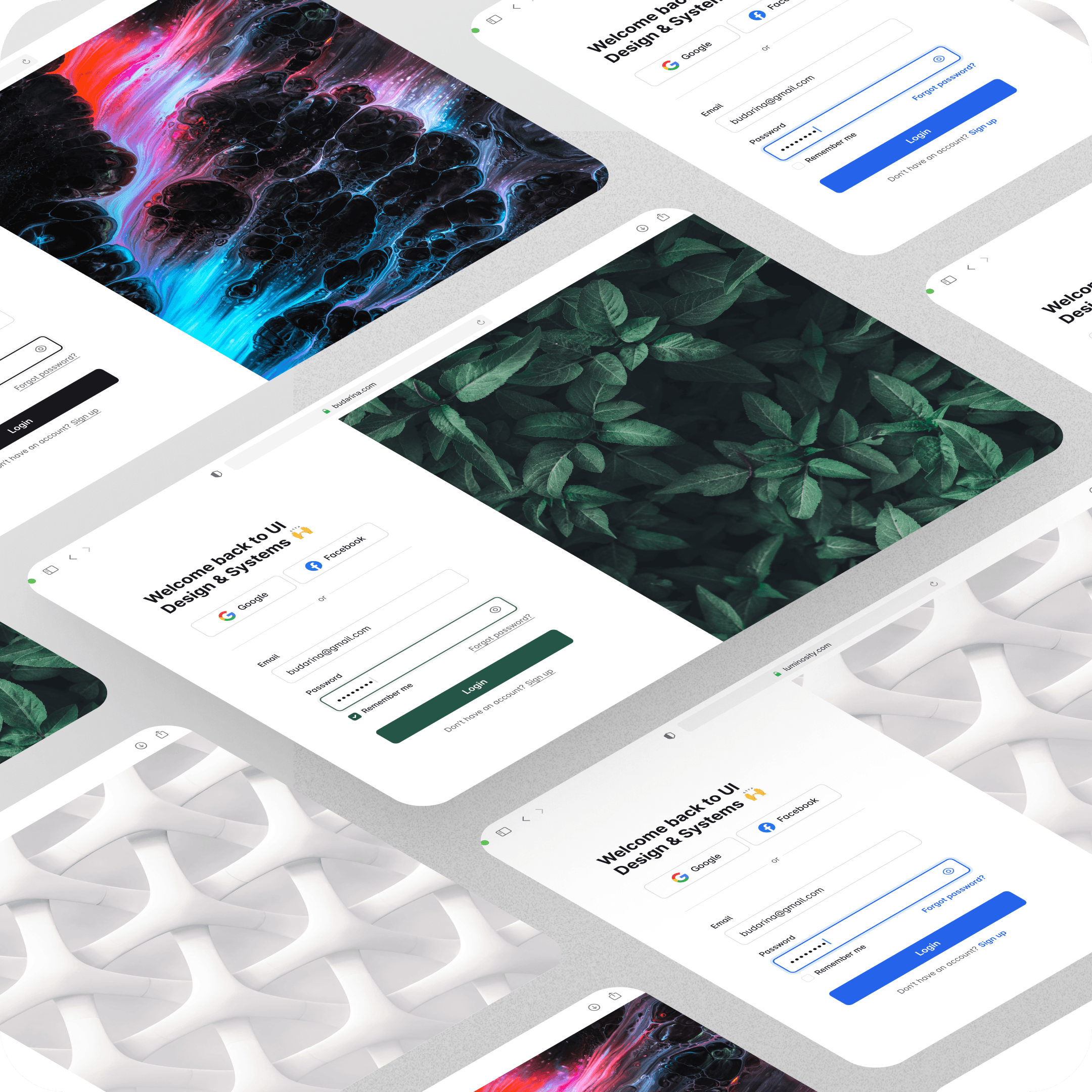
Want to get projects? Post your works! Everywhere!
Time consuming? Speed up this process with Premade Templates: create once & post, post, post...

Dribbble
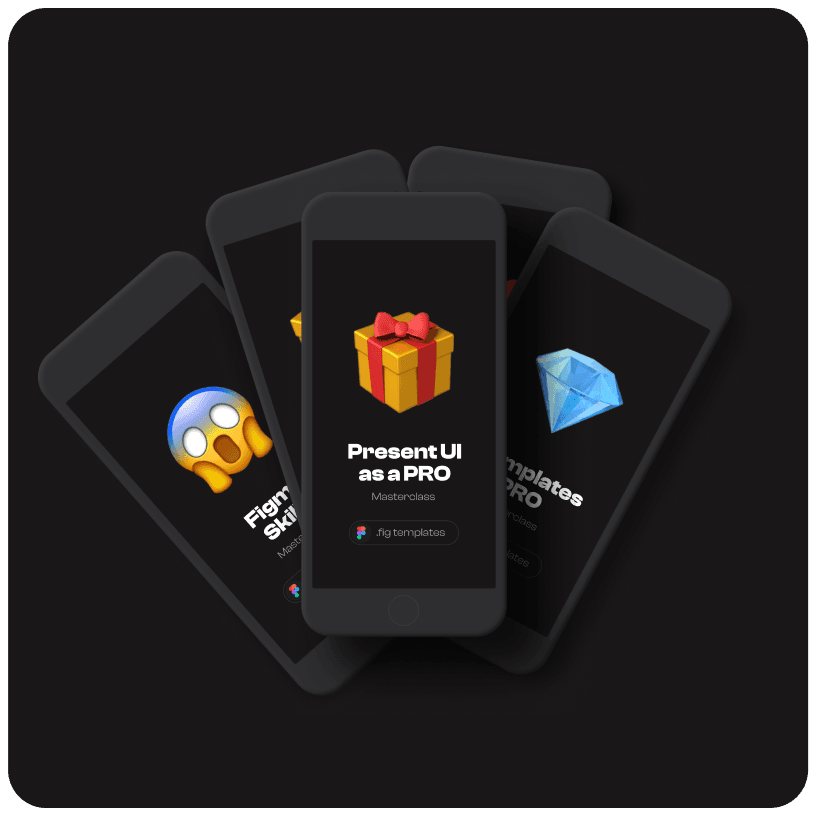
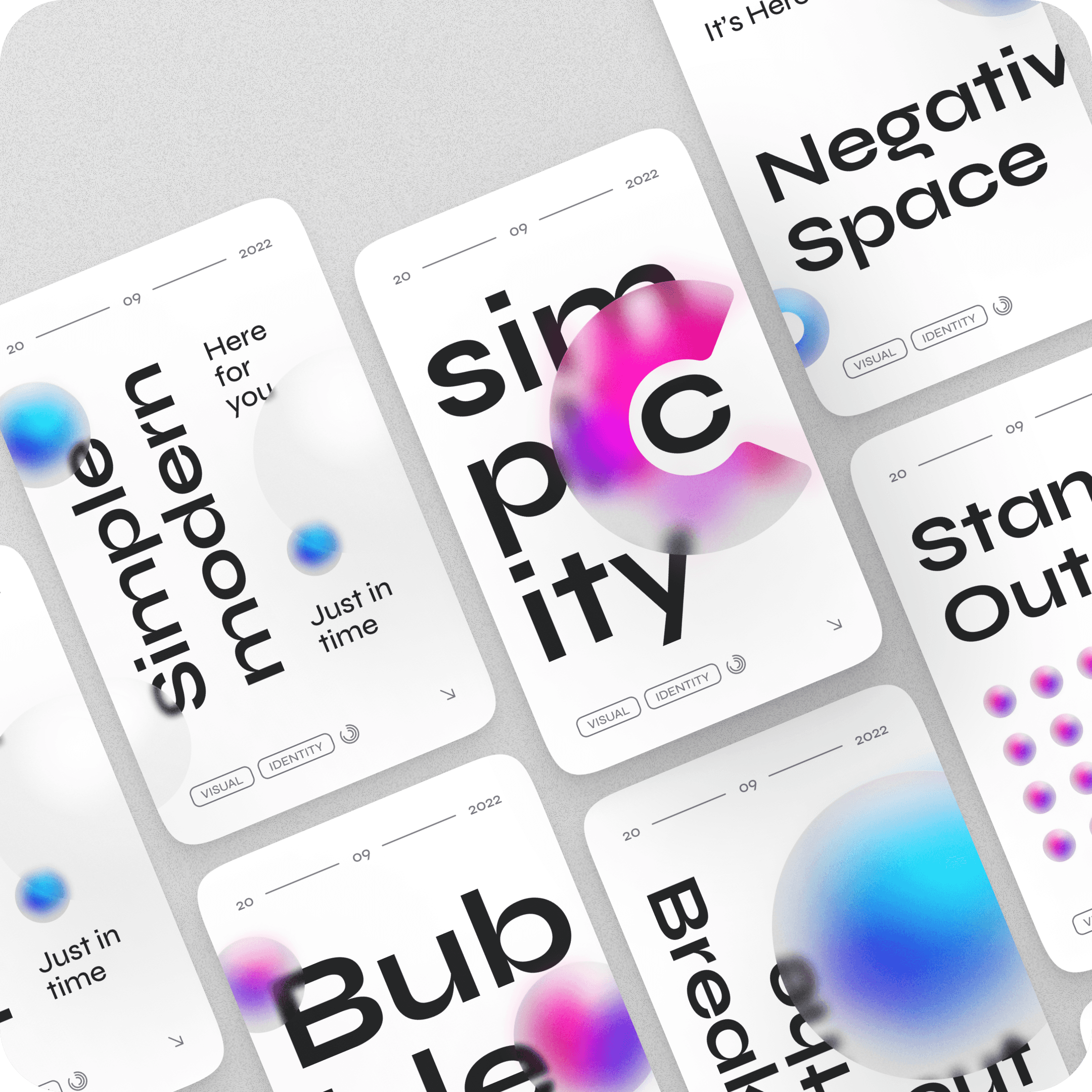
Shift boring presentation to sleek master-pieces & attract new leads with unconventional approach.

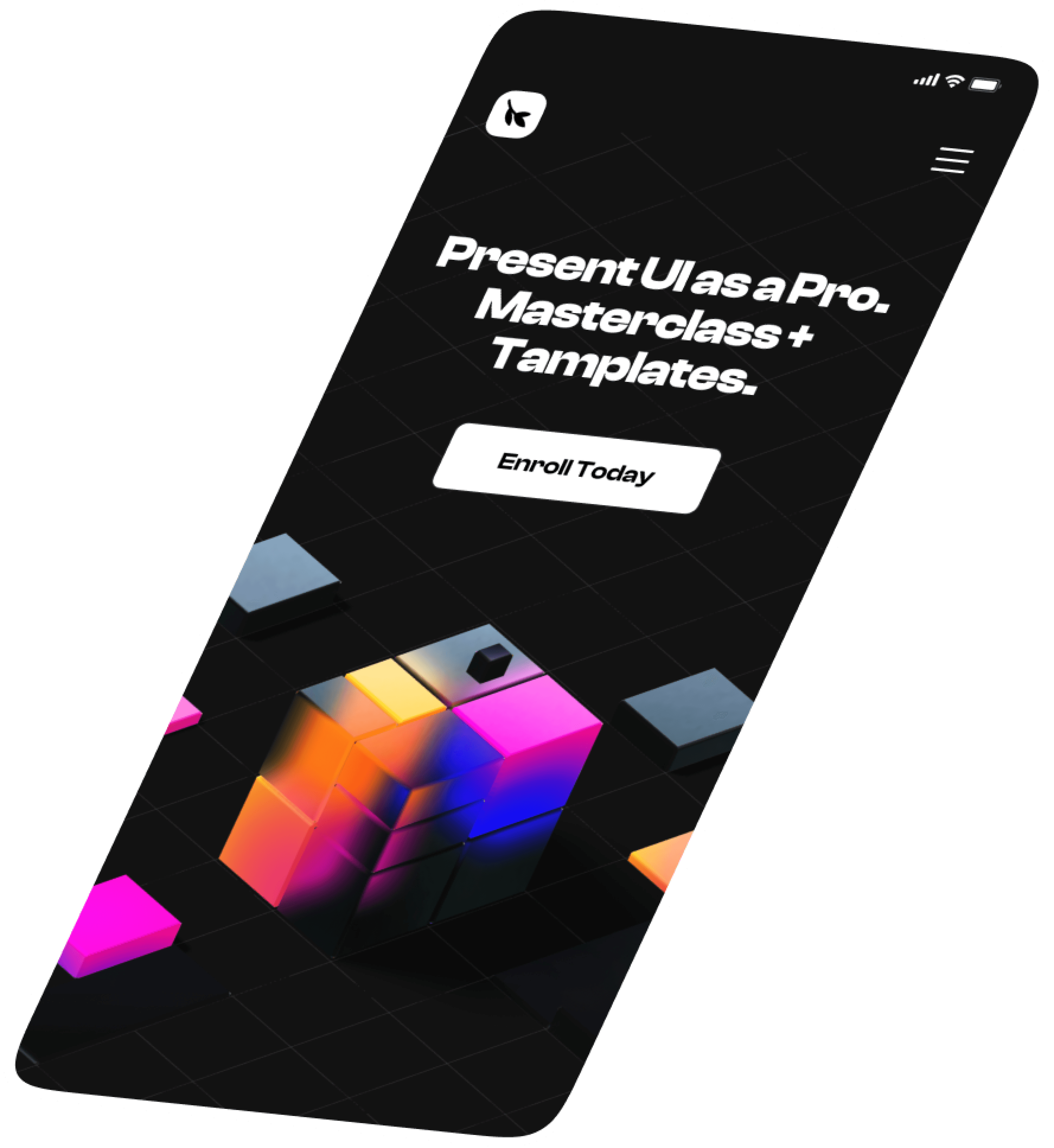
🎁 NEW BONUS LESSONS
Bonus lessons: Create top-notch scenes super-fast 🔥
Beautiful visuals for a website
Make 2D look 3D
Power up your creativity
Want to get projects? Post your works! Everywhere!
Time consuming? Speed up this process with Premade Templates: create once & post, post, post...
Dribbble
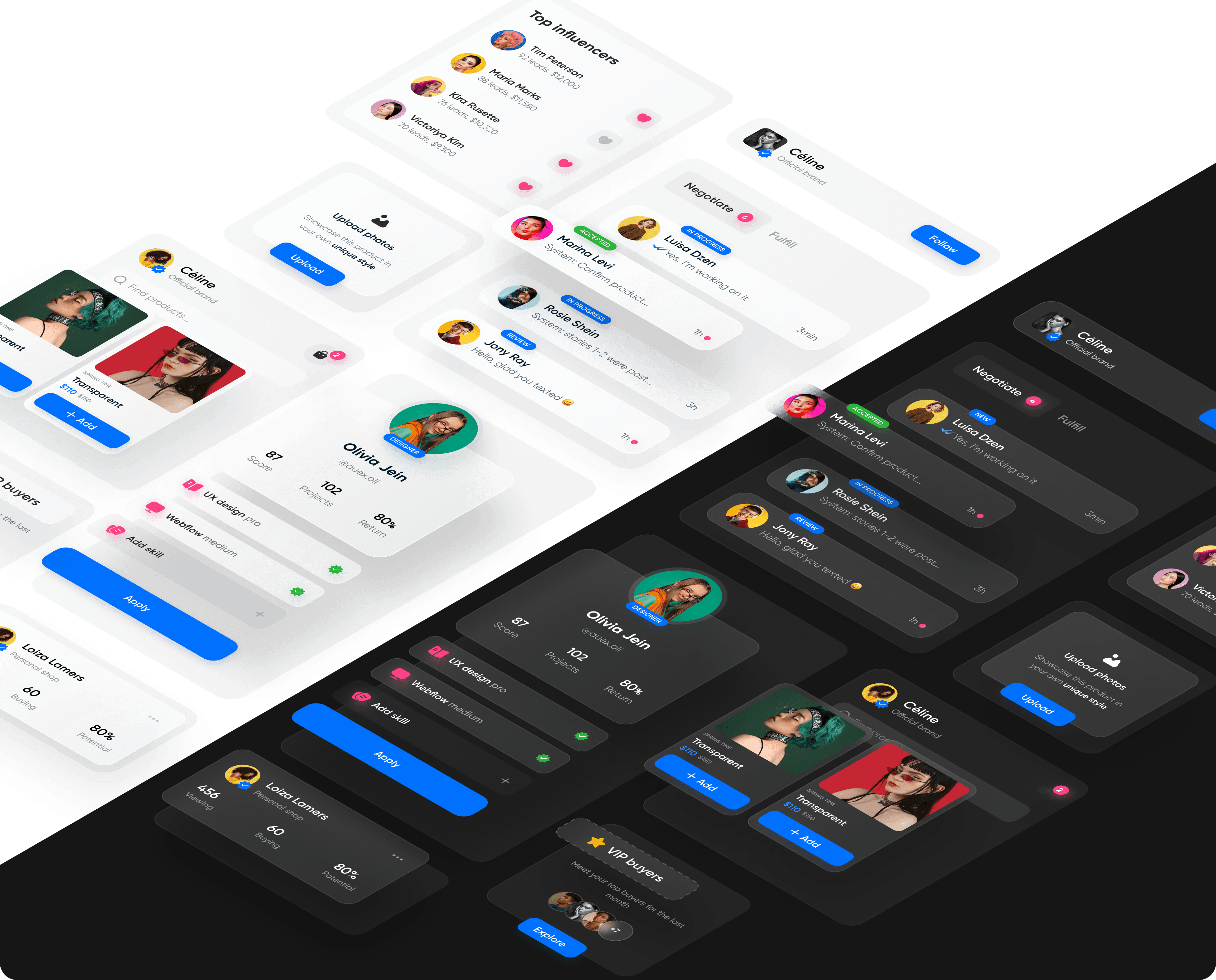
Shift boring presentation to sleek master-pieces & attract new leads with unconventional approach.
Shadow Work
Components Usage
Figma tips & tricks
Plugins & Techniques
Create unique & free-to-use scenes and mockups using MidJourney.
Inspiration sources
Prompts examples
Working with Midjourney
Scenes & Mockups


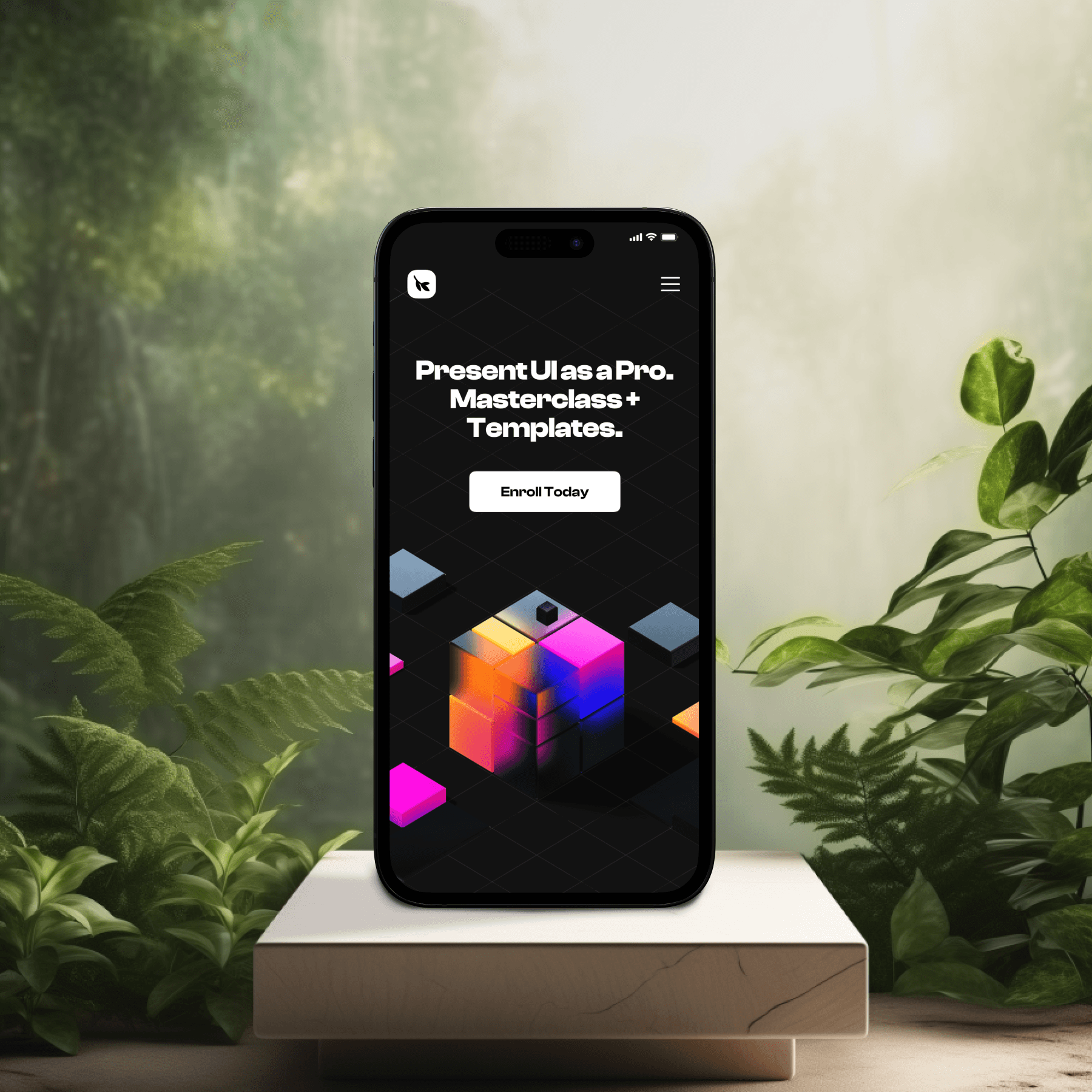


Edit created scenes and turn them into ready to use mockups.
Image editing
Masks
Distortion
Realistic Shadow & Light
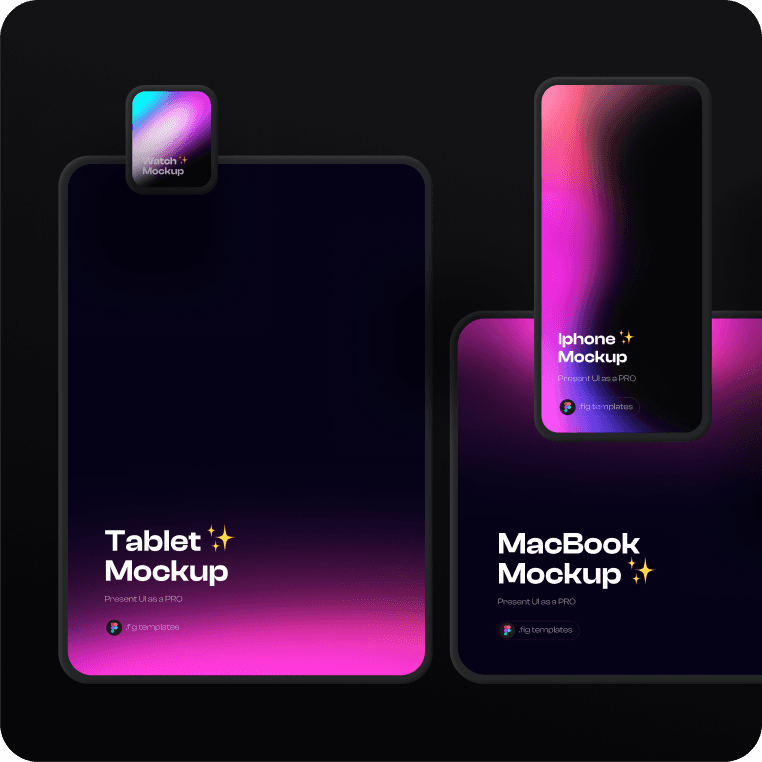
Instead of searching for perfect mockup - create it yourself. It’s fast & will be tailored to your needs.
Vector Shapes
Shadow Work
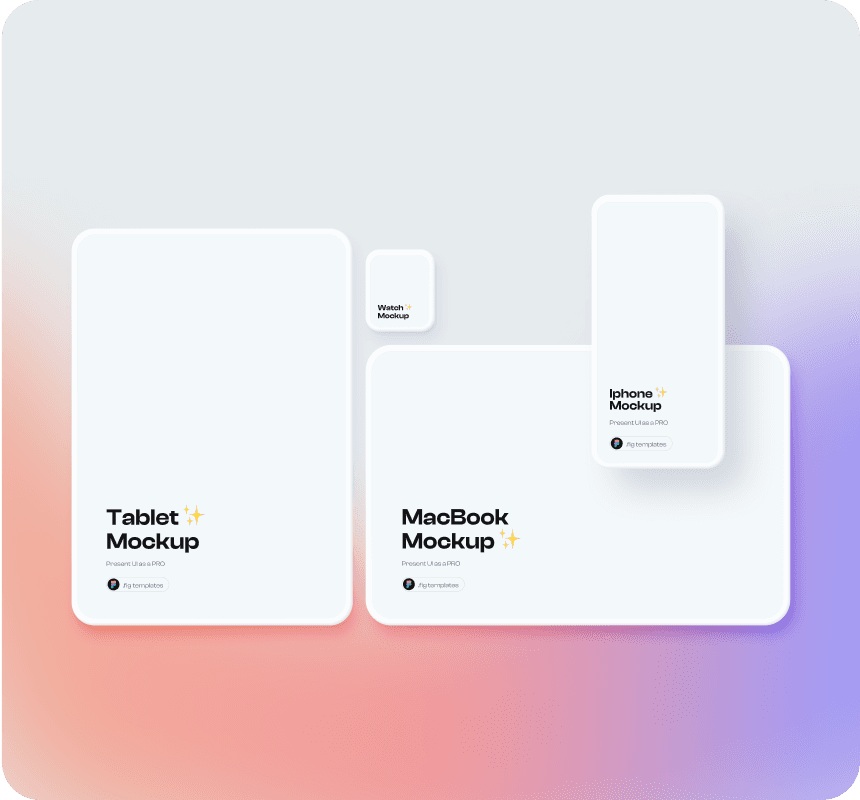
Simple Devices